Definition
A Business Rule is a collection of Quick Rules that are applied together. A Business Rule can contain multiple Quick Rules. When a Business Rule is triggered, the quick rules inside it are activated sequentially (only the ones that are enabled).
How to use?
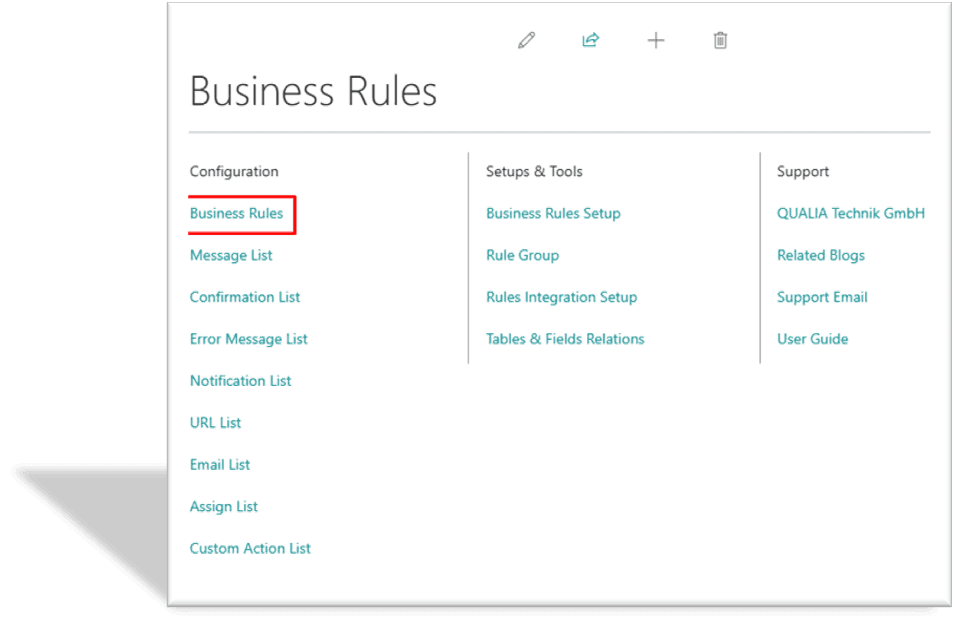
Search for Business Rule in the search bar and open the Business Rules Page and open Business Rules List page.
A list of Business Rules will be visible.
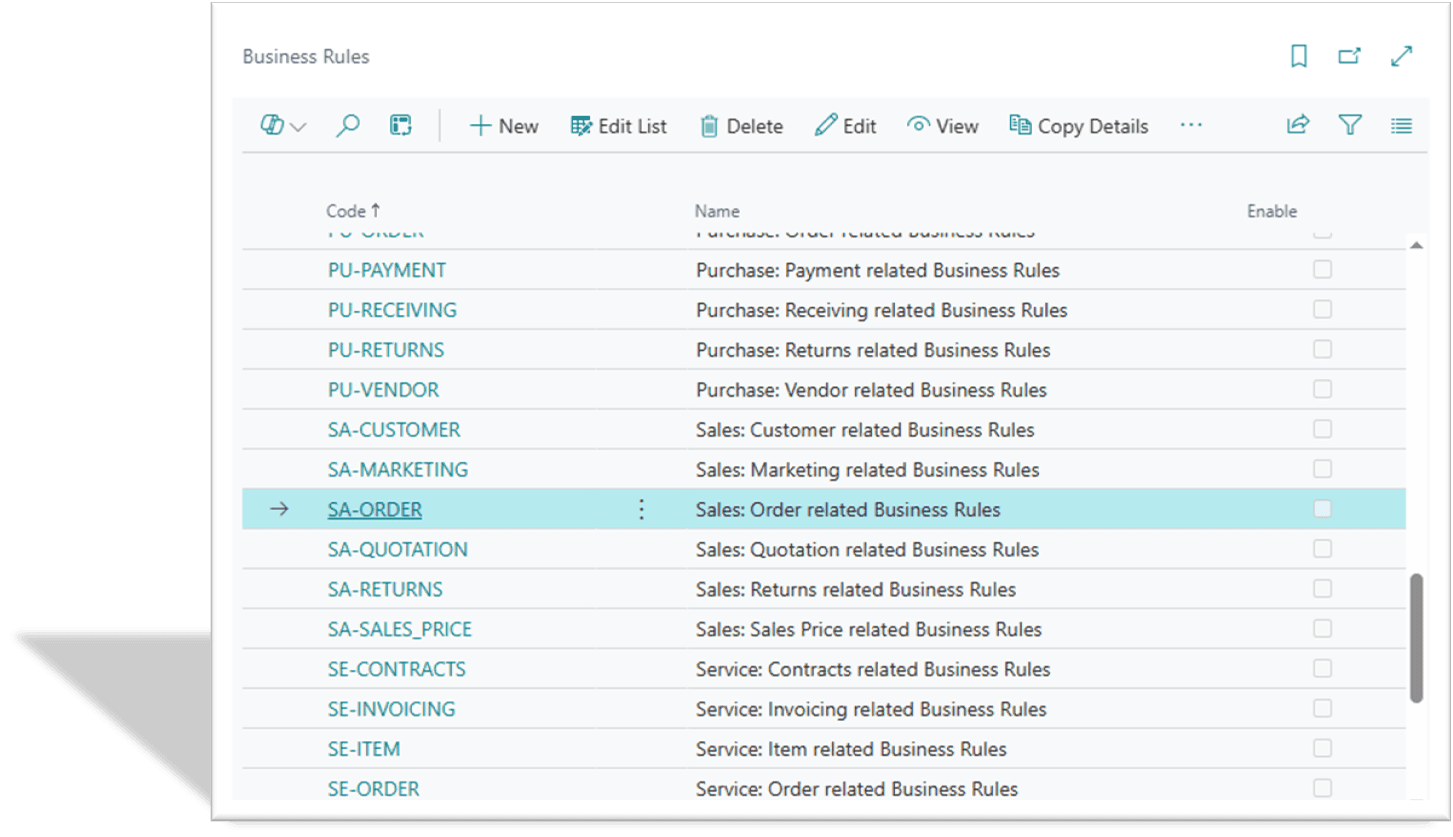
Click on New to create a new Business Rule, a Business Rule card will open.

Enter the code in the "Code" field, the name in the "Name" field, and if you want to enable the Business Rule, then click on the "Enable" field.
Remember: When the Business Rule field "Enable" is true, then only the Business Rule will work.
You can make multiple Quick Rules for a Business Rule in the Rule Line.
The Quick Rule in the Business Rule will only work when the "Enable" field in the Rule Line is true. If the "Enable" field is false in the Quick Rule, then that rule will not work in the Business Rule.
Related Content…
>
Introduction
>
Getting Started
>
Business Rules Setup
>
Core Concepts
>
Tutorial: Your First Business Rule
>
Testing and Validation Framework
>
Message Actions
>
Error Message Actions
>
Confirmation Actions
>
Notification Actions
>
Email Actions
>
URL Actions
>
Assign Actions
>
Insert Record Actions
>
Custom Actions
>
Power Automate Actions
>
Action Execution & Sequencing
>
Working with Linked Tables
>
Advanced Formula Building
>
Rule Groups & User Assignment
>
Best Practices & Optimization
>
Troubleshooting Guide
>
Deployment & Change Management
>
Monitoring & Maintenance
>
Placeholder Reference Guide
>
Common Table & Field Reference
>
Formula Operators Reference
>
How to setup Rule Intergration?
>
What are Business Rules?
Related Posts
Formula Operators Reference
This section provides a complete reference of all operators supported in QUALIA Rule Engine formulas.
Common Table & Field Reference
This section provides a quick reference for frequently used Business Central tables and fields in business rules. All table and field IDs have been verified against the system schema.
Placeholder Reference Guide
This section provides a comprehensive reference for all placeholder syntax, operators, functions, and special values supported by QUALIA Rule Engine.
Get Your FREE Dynamics 365 Demo
Transform your business operations with Microsoft Dynamics 365 Business Central
Experience the transformative power of Microsoft Dynamics 365 Business Central for yourself! Request a free demo today and see how our solutions can streamline your operations and drive growth for your business.
Our team will guide you through a personalized demonstration tailored to your specific needs. This draft provides a structured approach to presenting Qualia Tech's offerings related to Microsoft Dynamics 365 Business Central while ensuring that potential customers understand the value proposition clearly.